Shop Shift migrates products, variants, images, collections, customers, orders, coupons, blog posts and reviews from WooCommerce into Shopify — in the background, safely, and without duplicates.
Free plan available. Enter your store domain to begin installation, or see how it works first.
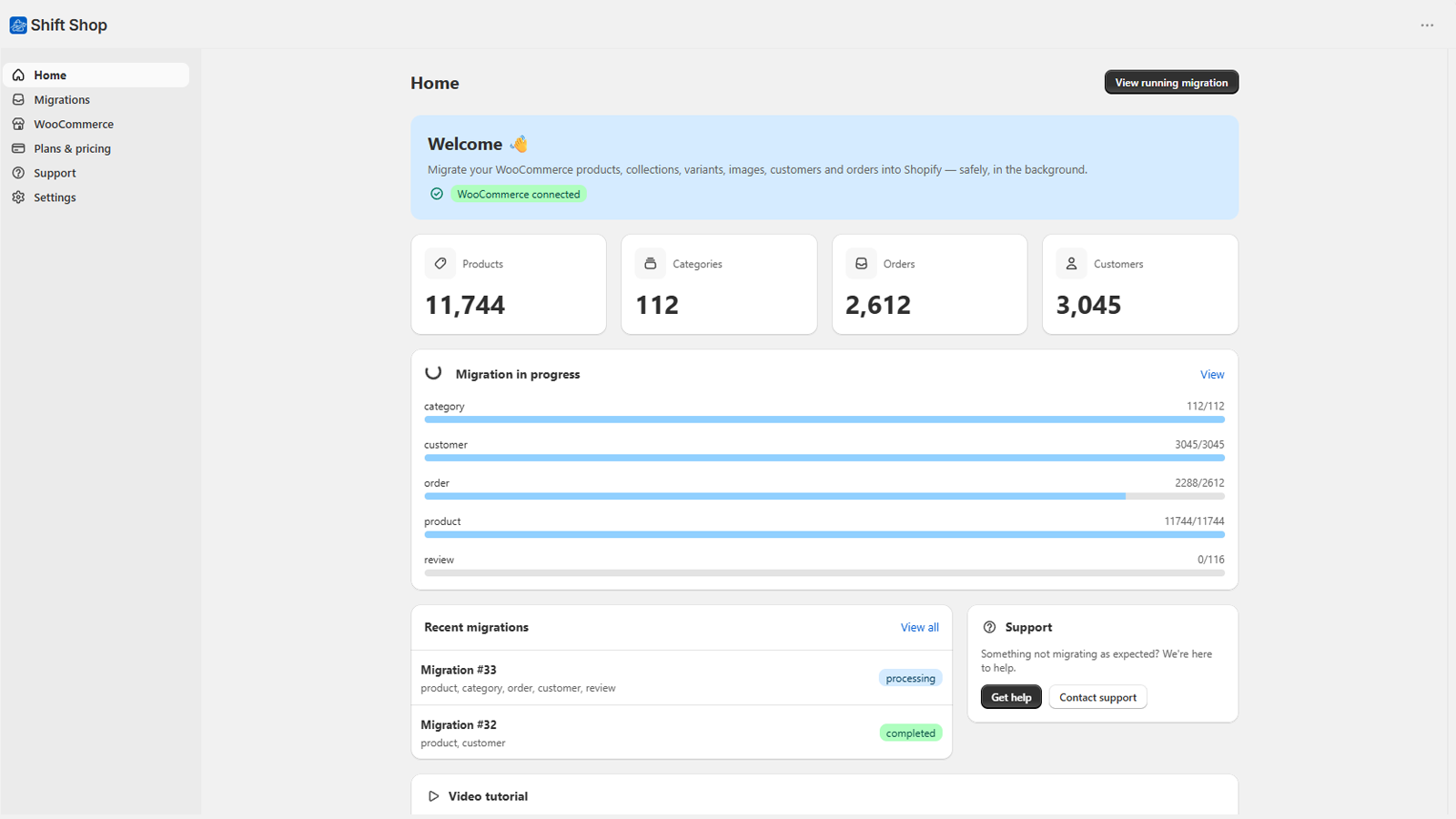
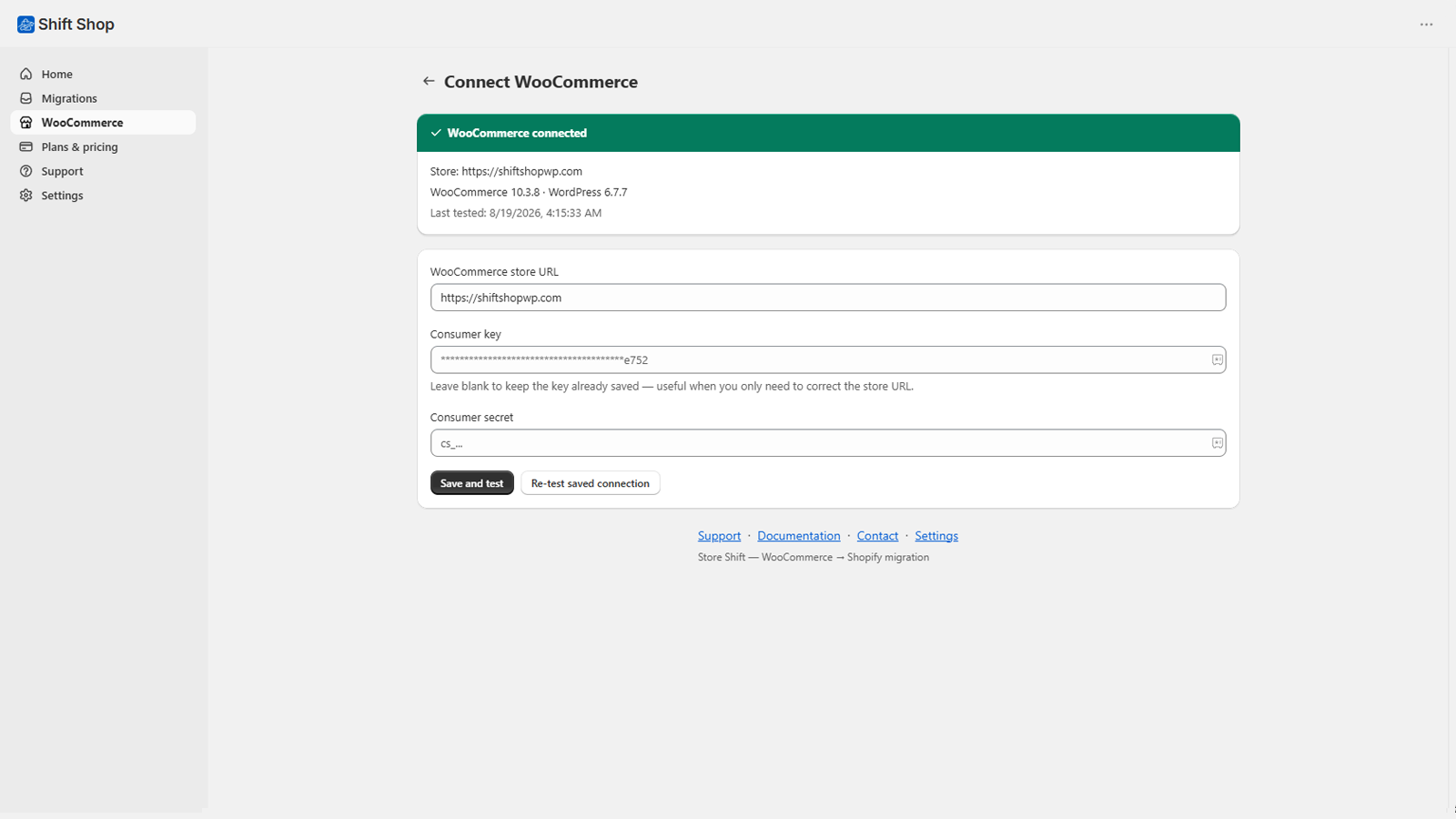
Paste your store URL and a read-only REST API key from WooCommerce → Settings → Advanced → REST API. Shop Shift tests the connection before saving anything — if it fails, your existing setup is left untouched.
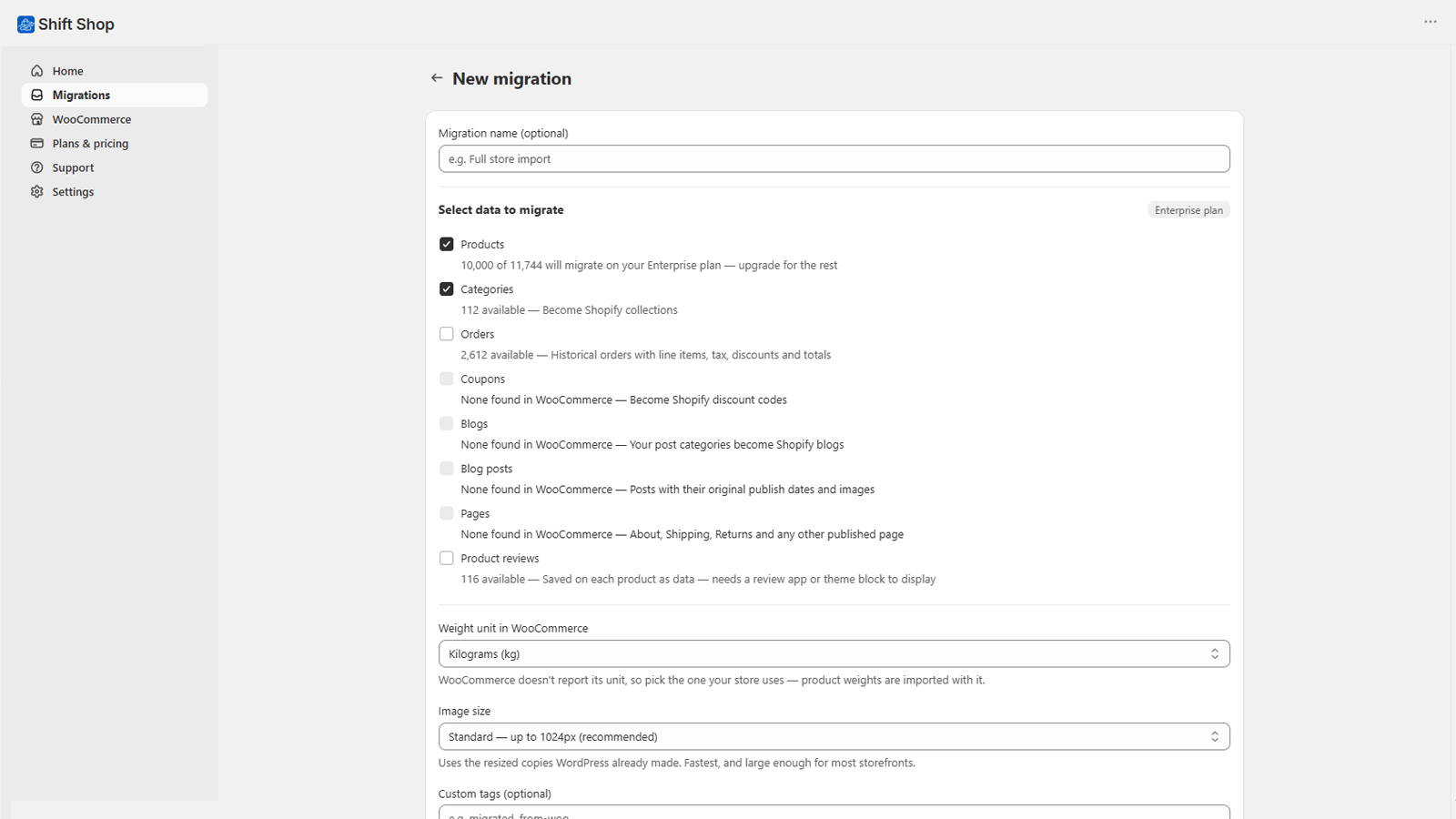
Pick products, categories, customers, orders, coupons, blogs or reviews individually — the wizard shows how many records exist and how many your plan covers before you start. Set your weight unit, image size and custom tags too, so the data lands the way your store expects.
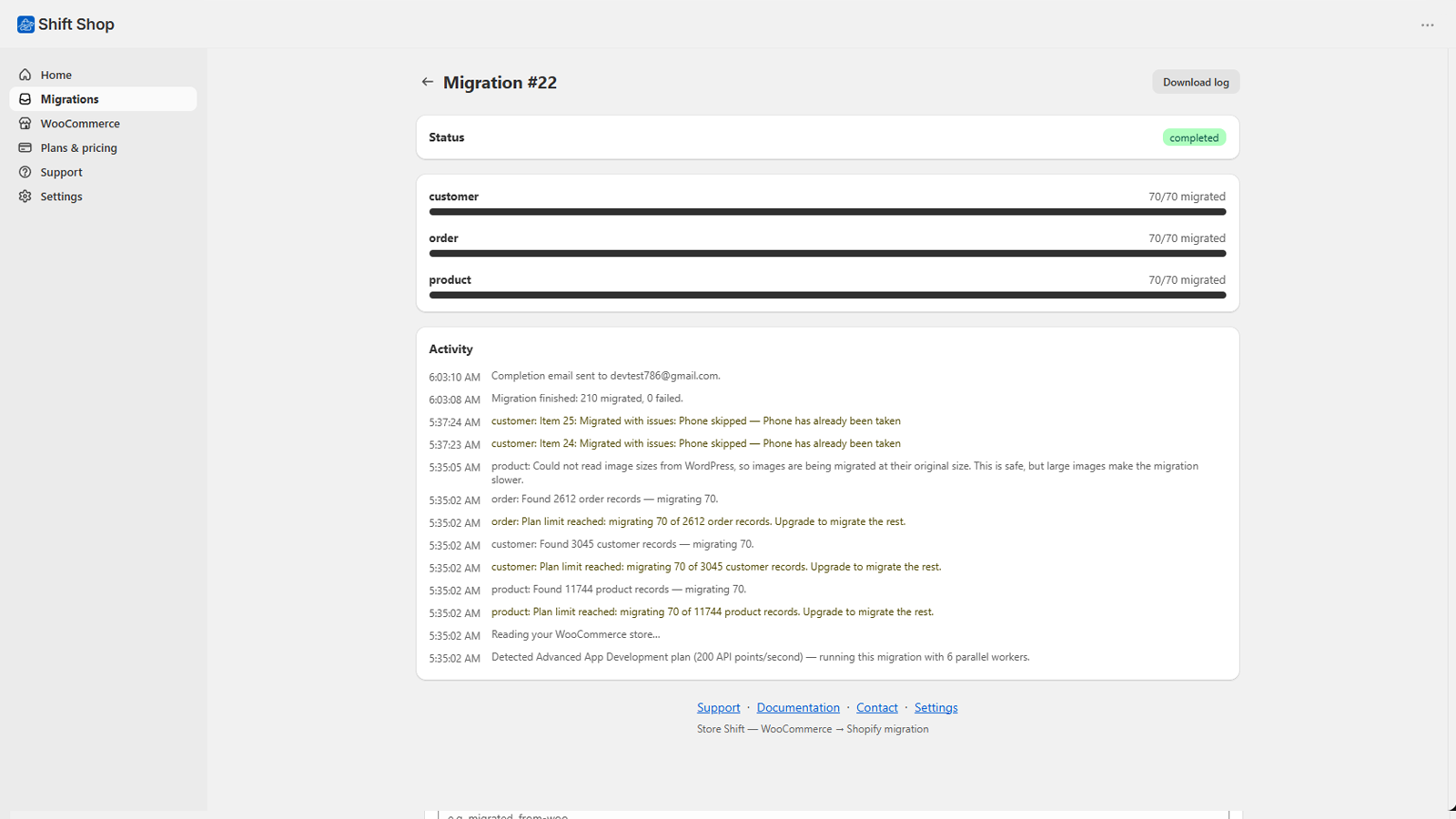
Titles, descriptions, SKUs, prices, compare-at pricing, inventory and weight move across intact. Variable products bring their variations and options with them, and product and variant images are attached as each product is created — no separate media import step.
Customer profiles, addresses and phone numbers carry over — phone numbers reformatted to what Shopify requires. Historical orders transfer with their line items, totals, shipping and financial status kept on their original dates, so nothing in your history goes missing.
Product reviews move across as rating, author, date and content — ready to show once you add a reviews app, since Shopify's Admin API has no native reviews field. WordPress blog posts keep their original publish date and images. And supported WooCommerce coupon types become Shopify discount codes automatically.
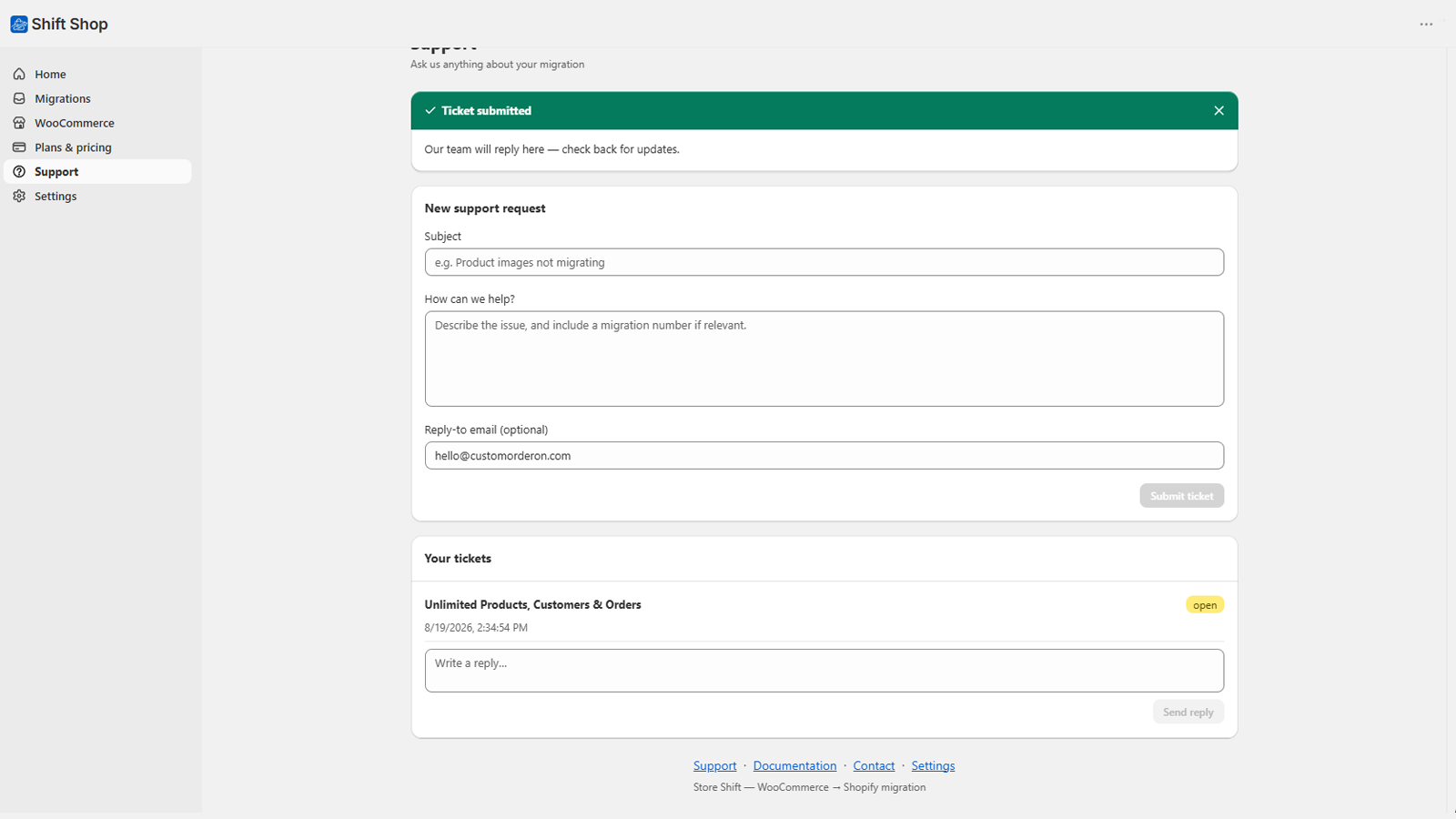
Open a ticket from inside Shop Shift and include a migration number — we can see exactly what happened on our end, not just what you can describe.
Not just names and prices — the details that break most migrations.
Titles, descriptions, SKUs, prices, compare-at pricing, inventory, weight and shipping — including every variation.
WooCommerce categories become Shopify collections, with products linked automatically.
Product galleries and per-variant images, attached as the product is created.
Custom meta_data becomes Shopify metafields, with definitions created so they show in your
admin.
Profiles, phone numbers and addresses. Phone numbers are reformatted to the international format Shopify requires.
Line items, totals, shipping, addresses and financial status — kept on their original dates.
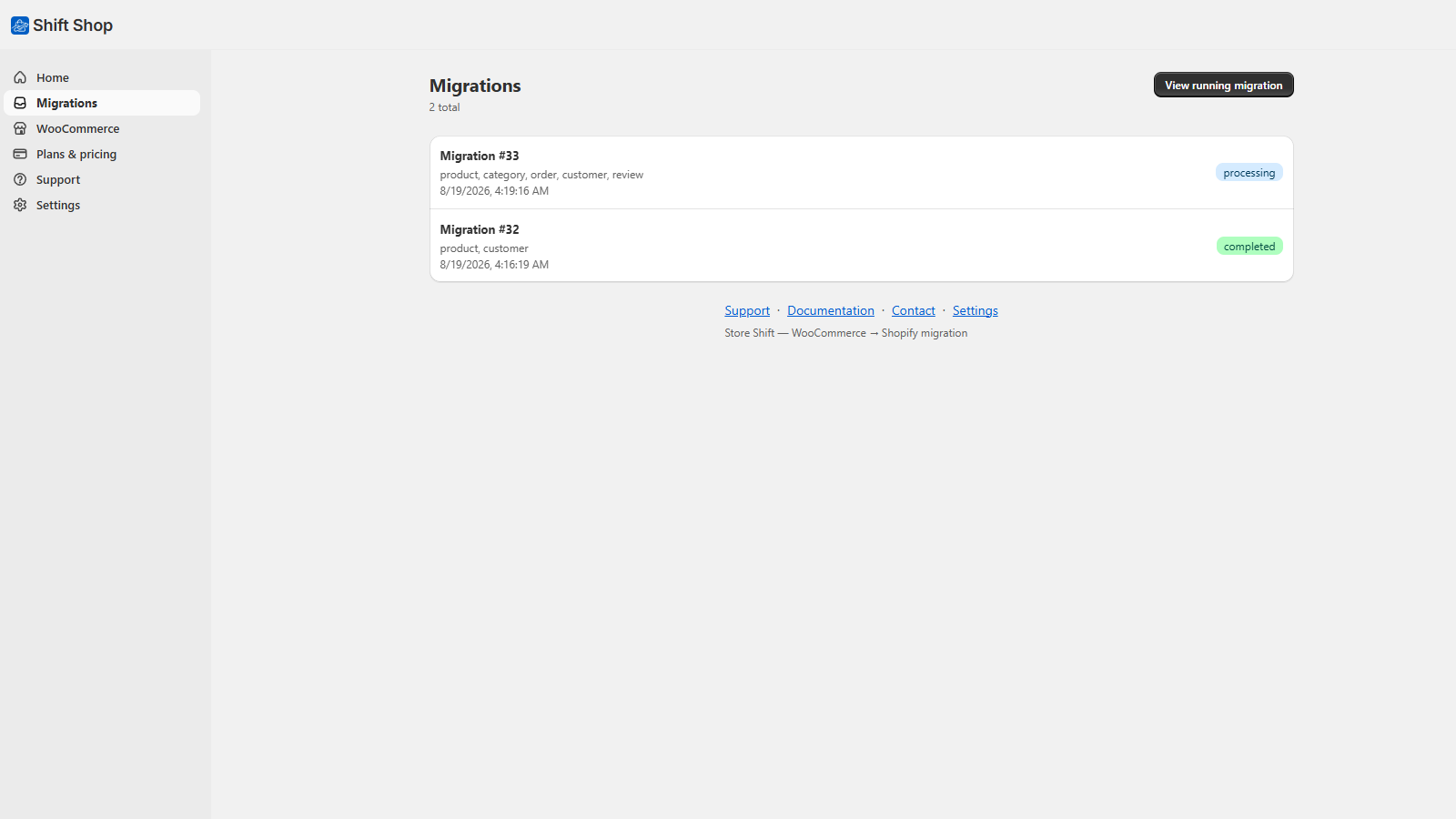
Four steps. Then close the tab — the migration keeps running.
Shop Shift runs inside your Shopify admin. Nothing to host, nothing to configure.
In WooCommerce go to Settings → Advanced → REST API and create a key with Read access. Paste the store URL, consumer key and secret, then test the connection.
Pick products, categories, customers, orders, coupons, blogs or reviews individually. The wizard shows exactly how many records exist and how many your plan covers before you start.
Everything runs on a background queue with live progress. Close the browser, log out, come back tomorrow — the run is unaffected, and we can email you when it finishes.
Most migrations fail on the awkward parts. These are handled.
Every record is mapped to its WooCommerce source. Running a migration twice updates your data instead of creating a second copy of it.
A deleted image, an oddly formatted phone number, a rejected tag — the offending field is skipped and the record still lands, with a note telling you what was left out.
Shopify throttling is handled with automatic backoff. Migrations pause and resume by themselves rather than failing.
Failed records are listed with the exact reason from Shopify, and can be retried on their own — without re-running the whole migration.
Your WooCommerce keys and Shopify token are encrypted at rest and never shown back to you in full.
We do not sell, rent or share your store data with anyone. We keep ID mappings, not your catalogue.
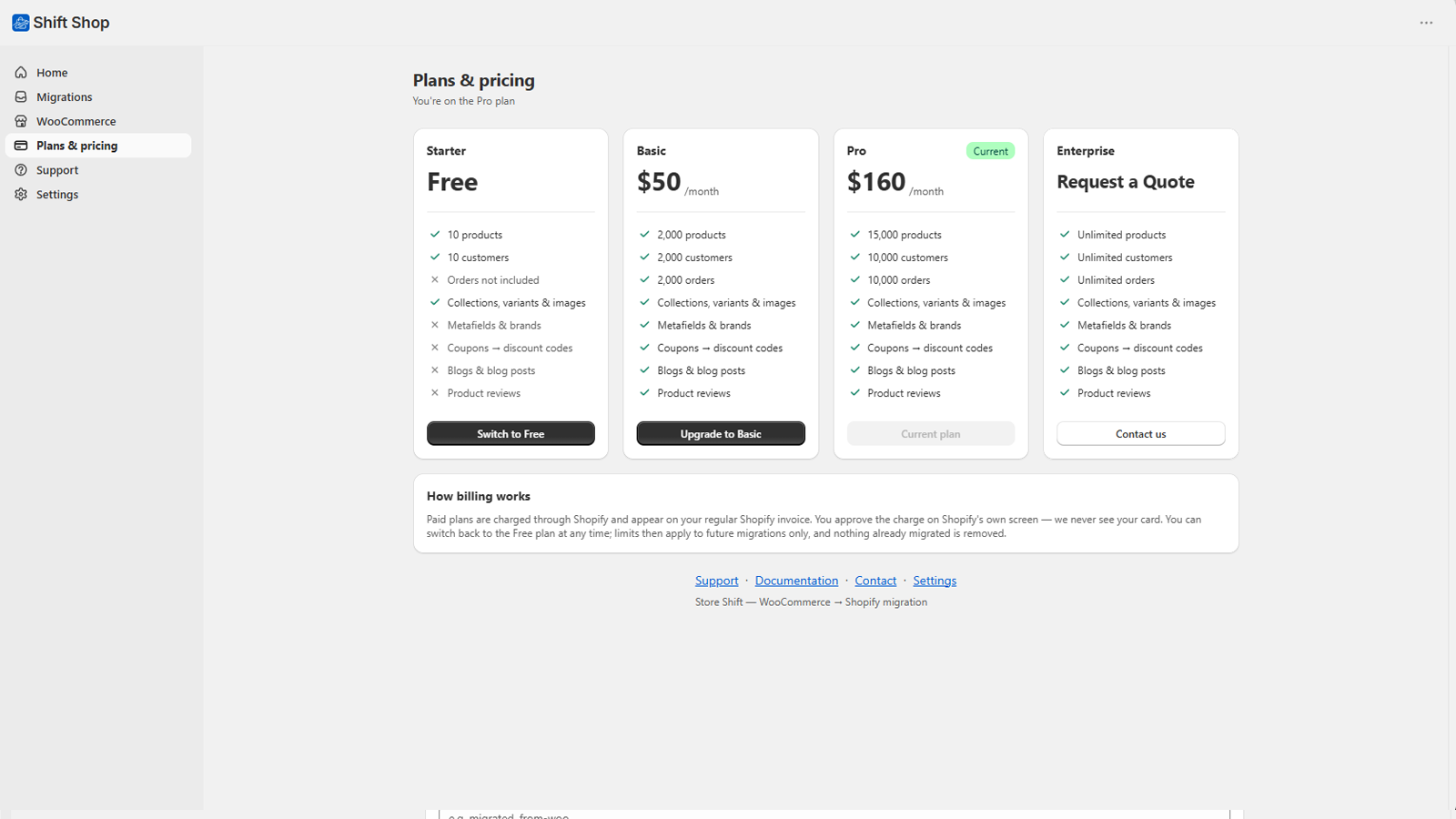
Start free. Upgrade only when your catalogue needs it. Billed through Shopify, cancel any time.
Loading plans…
All plans are billed monthly through Shopify and appear on your Shopify invoice. Please read our refund policy before subscribing — the free plan is there so you can confirm the app works with your store first.
Still unsure? Get in touch.
No. Every migrated record is mapped to the WooCommerce record it came from. A second run updates the existing Shopify record instead of creating another one — and repairs anything you deleted in Shopify by mistake.
Yes. Migrations run on a background queue on our servers, not in your browser. Closing the tab, logging out or losing your connection has no effect on the run.
No — that is technically impossible. WooCommerce and Shopify store password hashes in incompatible formats. Your customers will need to set a password on their first Shopify login.
The migration keeps going. Failed records are listed with the exact reason Shopify gave, and you can retry just those records without re-running everything.
WordPress 5.6+ with WooCommerce 5.0+, and REST API credentials with Read access. The API has to be reachable from the internet over HTTPS — stores behind a firewall, password protection or an IP allowlist cannot be read.
Yes — each product's reviews (rating, author, date, verified status and content) are saved as data on the product. Shopify's Admin API has no native reviews field, so you'll need a reviews app or theme block to display them, but the data is preserved rather than lost.
Percentage and fixed-amount coupons become Shopify discount codes automatically. A few WooCommerce-only restrictions — like limiting a coupon to specific customers or excluding certain products — aren't supported by Shopify's discount API. Those are named in a warning on the record so you know exactly what to recreate by hand.
No. We store the mapping between your WooCommerce IDs and the Shopify IDs we created, plus progress and error logs. We do not keep your product catalogue or customer records, and we never share anything with third parties. See the privacy policy.
Install Shop Shift and migrate your first products in minutes — free.
